Prepare your GPX
Export an outdoor GPS activity from Garmin Connect or Strava using the guides below. Keep the .gpx file on your computer.
Choose an existing design
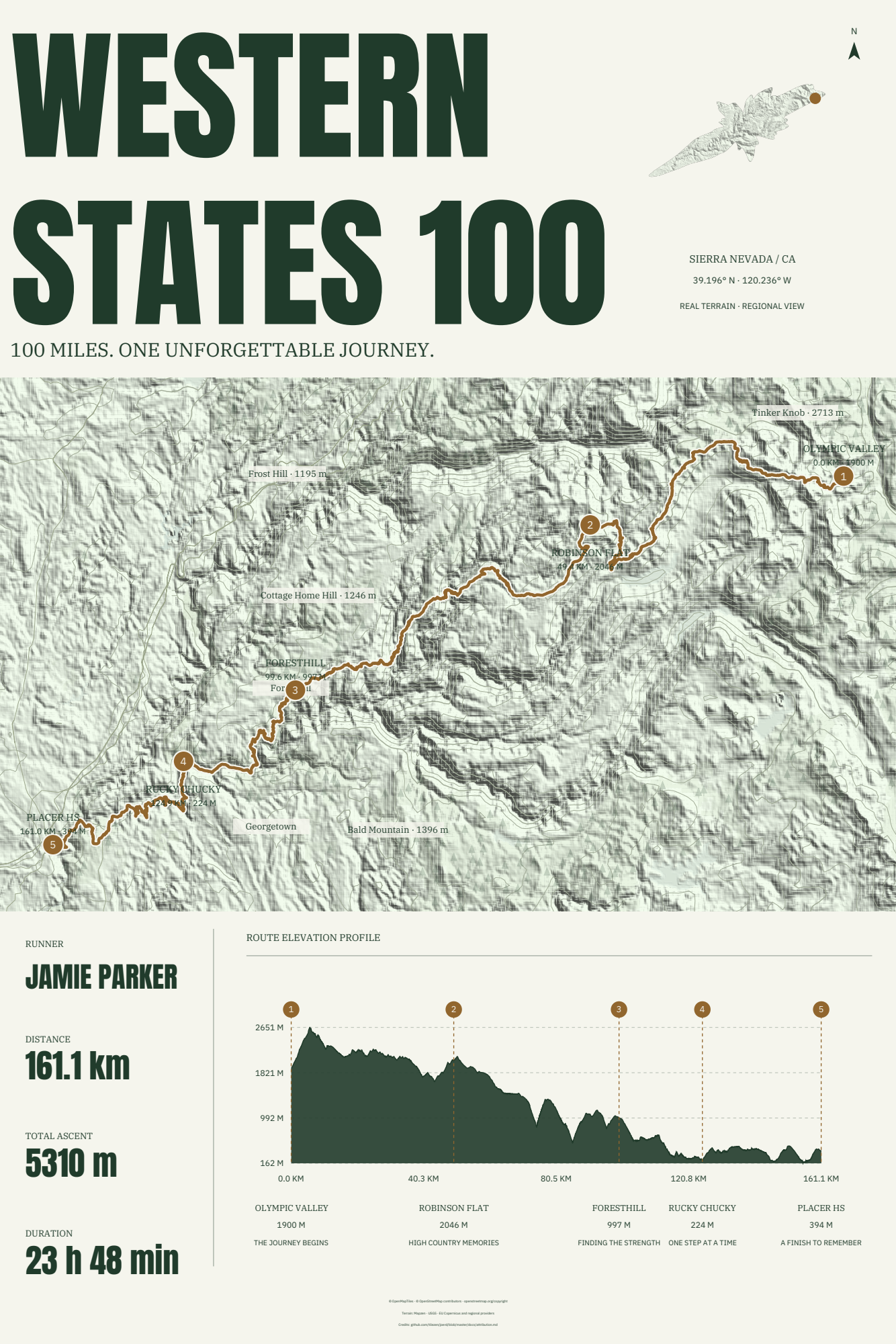
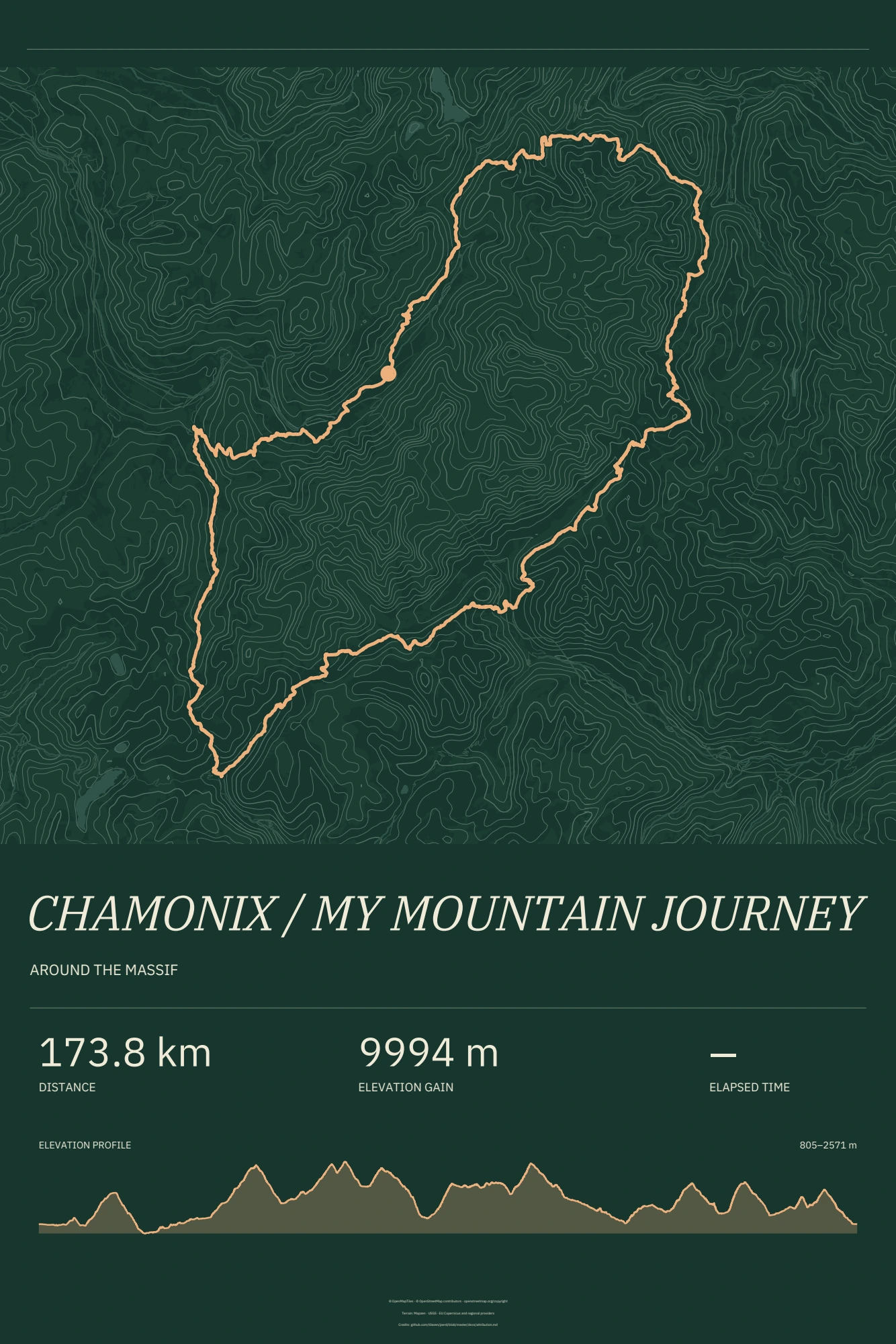
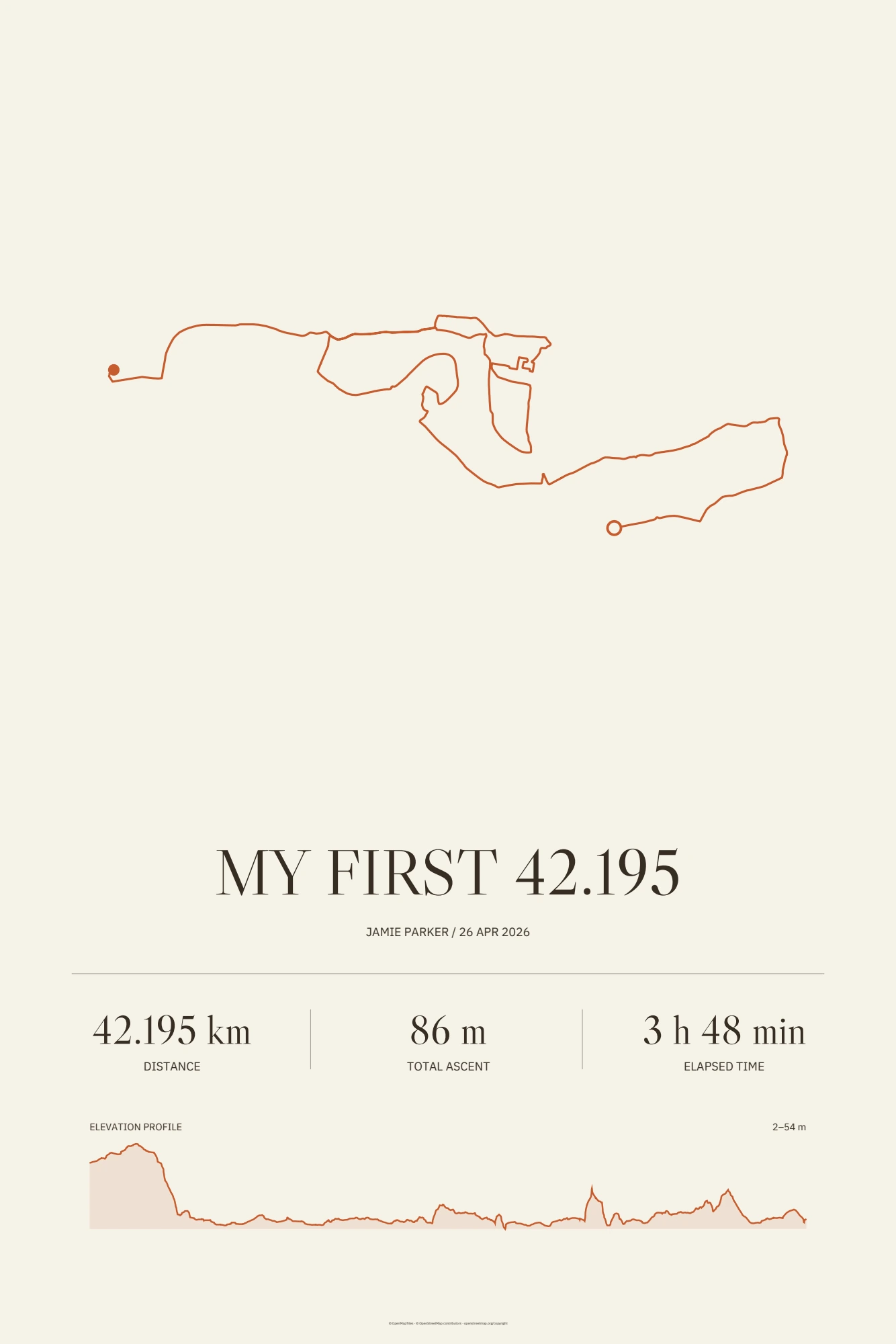
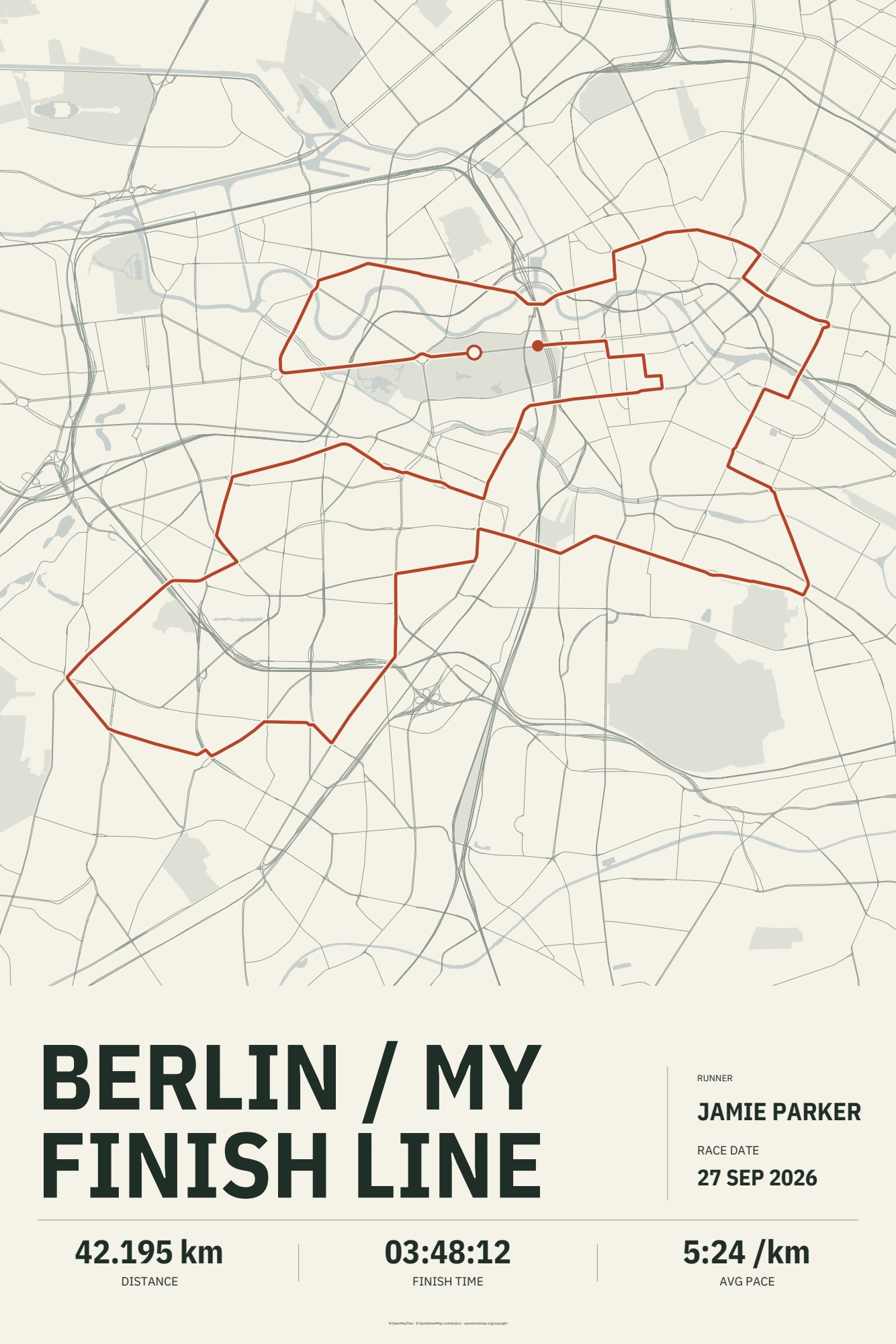
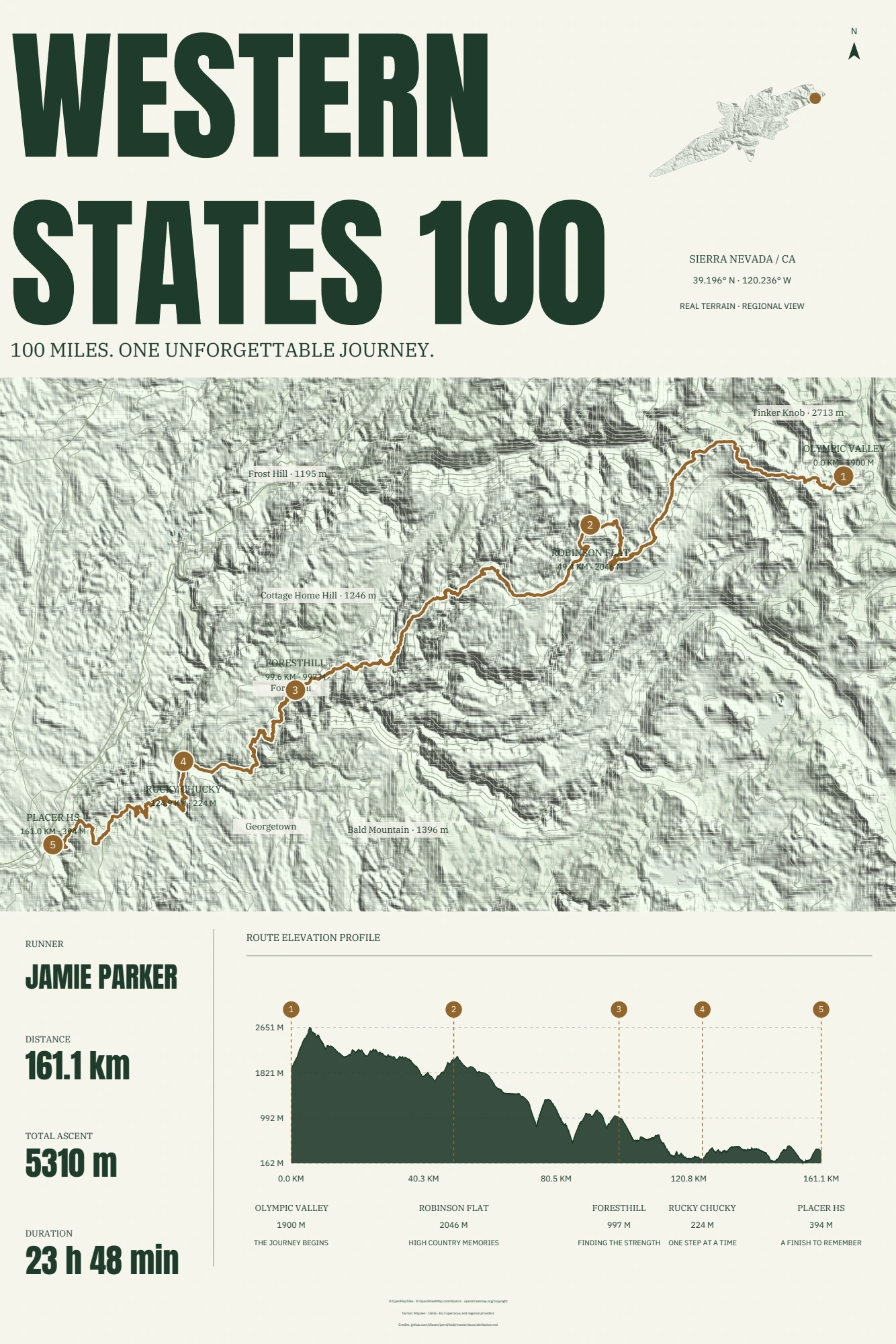
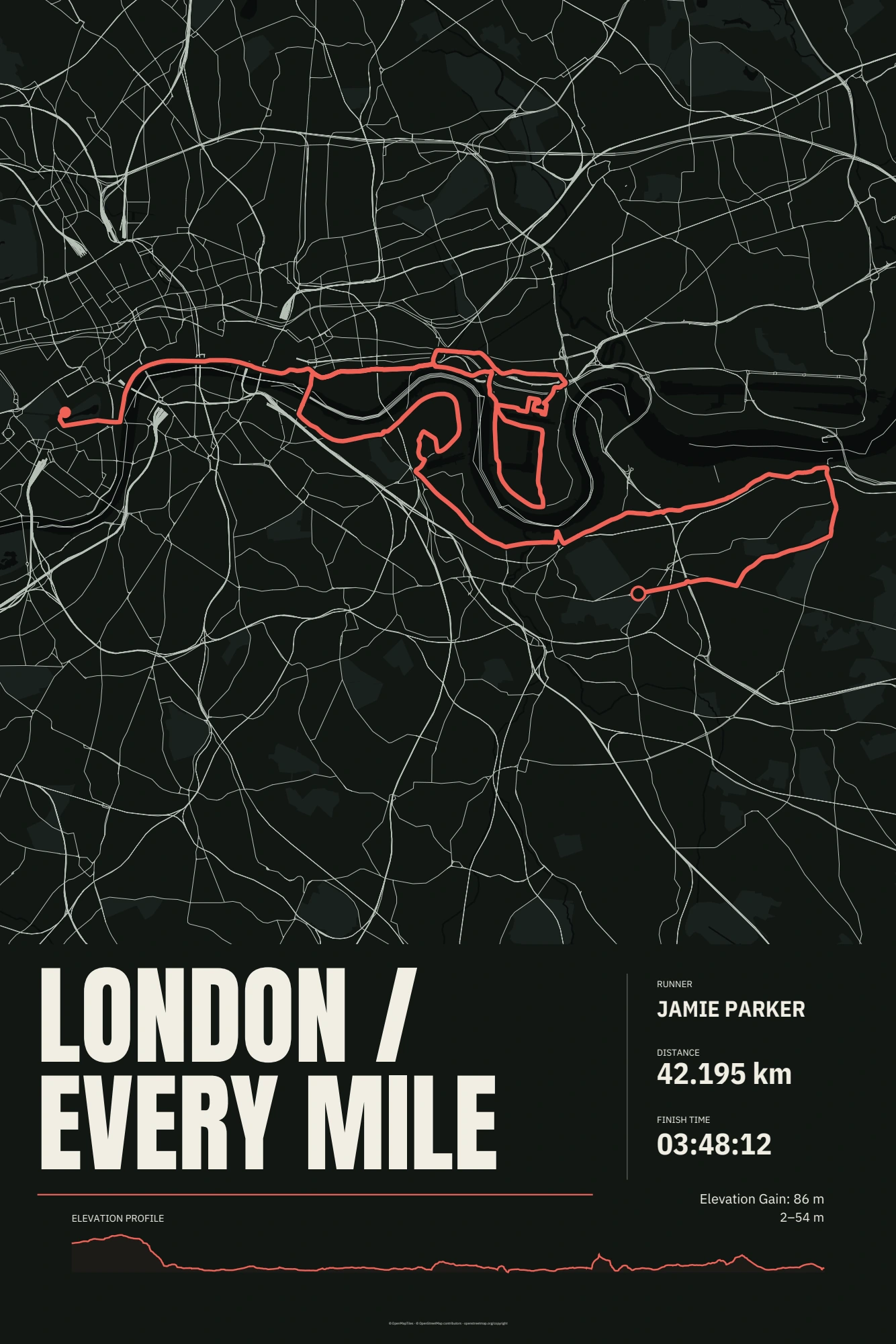
Choose from Alpine Memories, Pure Distance, City Atlas, Ridgeline Journal and After Dark, the five designs shown on the main website. See their actual previews below. Available controls depend on the design.
Load your template, then your route
If you already have a compatible Wildshift template ZIP, open the poster editor and upload the ZIP without unzipping it. Then upload your GPX. Both uploads accept files up to 20 MB.
Make the memory yours
Use the controls available in your loaded template. Review the title, personal details, route and any displayed statistics. Check elevation data before including a profile.
Export and print
Choose an available poster size and export format in the editor. Review the downloaded file, then agree paper, size and printing settings with your print shop. For a PDF, print at actual size (100%).
Good to know
Do not have a premium template yet? Visit the WildshiftArt Etsy shop, choose your design and download the template ZIP after purchase. Then return to the Wildshift editor and upload your template and your own GPX. Free generators are available only for the dedicated race editions; there is no free general-purpose template or generator for personal GPX files. The five previews show example routes and personalisation.